Blog
Website Audit Tool: Find Issues You Can Ship
A website audit tool should crawl beyond the homepage, expose technical gaps, and produce deployable fixes your team can ship with confidence quickly.
· Updated · 7 min read
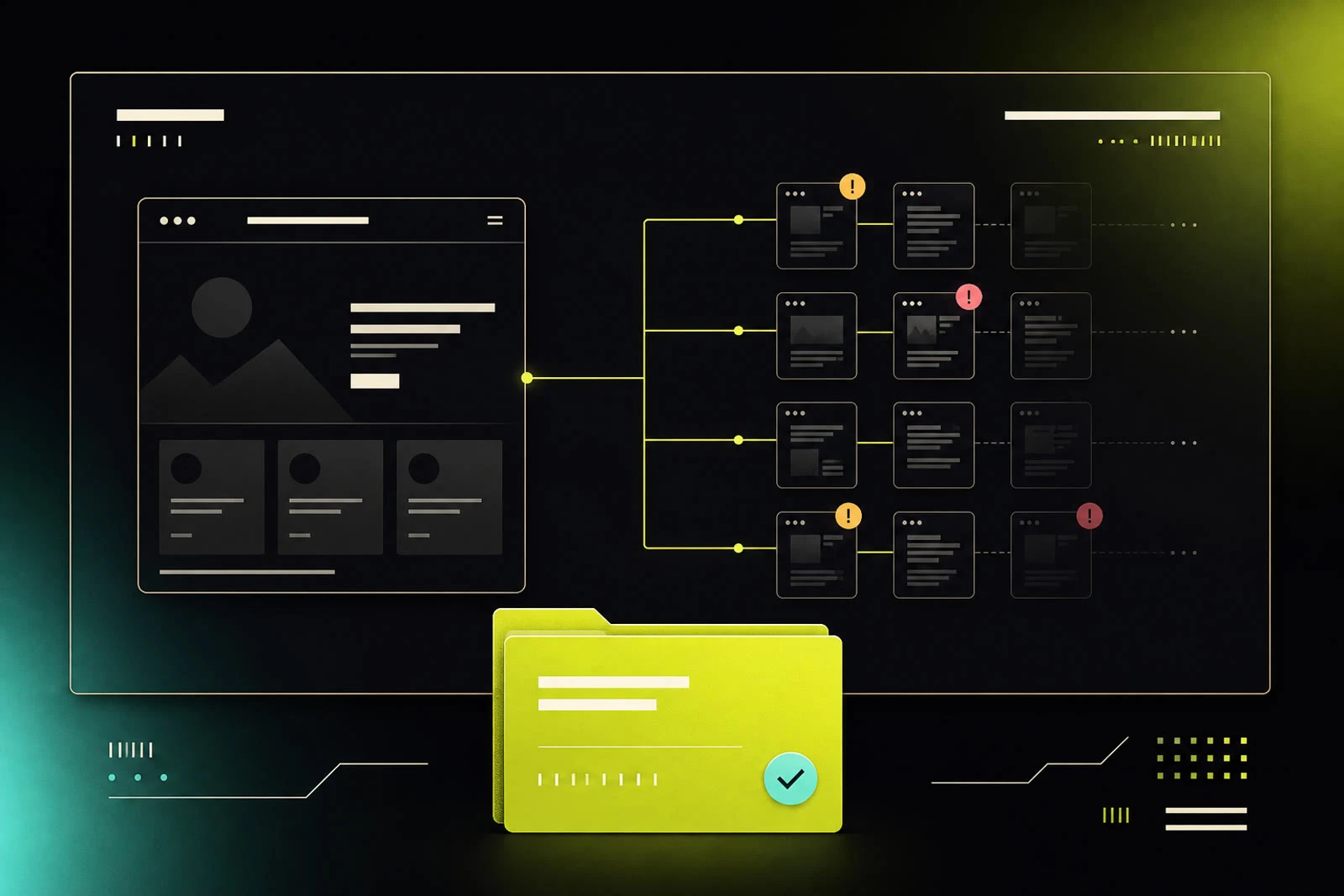
A homepage can look polished while the rest of the site quietly loses traffic, leaks authority, blocks crawlers, and gives AI answer engines nothing reliable to cite. That is the central failure of the average website audit tool: it inspects the trailer, not the movie. Real website health lives in templates, headers, navigation paths, indexation rules, and the interior pages customers actually land on.
A useful audit is not a scorecard for a monthly meeting. It is an engineering brief that tells marketing, SEO, and development teams what is broken, where it is broken, why it matters, and what to deploy next.
What a Website Audit Tool Should Actually Audit
Most tools can flag a missing meta description on one URL. That is table stakes. The harder and more valuable work is discovering whether the same issue appears across the site, whether it comes from a CMS template or an individual page, and whether it creates a meaningful visibility, experience, or security problem.
A serious crawl starts with more than a pasted homepage URL. It follows internal navigation, reads XML sitemaps, recognizes robots directives, and evaluates discovered interior pages. If a site has 400 product, service, resource, and location pages, a one-page test cannot tell you whether the site is healthy. It can only tell you that one page answered a test.
The audit should examine technical SEO, performance, accessibility, public security configuration, CMS architecture, and AI-search readiness in the same operational view. These disciplines overlap more than most dashboards admit. A bad canonical can dilute rankings. A noindex rule can erase an entire section from search. Missing cache headers can slow repeat visits. An inaccessible control can block a user and signal weak template quality. A vague or contradictory page can leave an AI answer engine with facts it cannot safely ground.
None of this means every warning deserves equal urgency. A missing Open Graph tag is not the same as a production site sending an unsafe header policy or canonicalizing every location page to the homepage. A good tool ranks findings by impact and gives teams enough evidence to decide what ships first.
Homepage Scores Are a False Comfort
The homepage lies because it is usually the most curated URL on the site. It gets the most attention, the cleanest copy, and the fewest accidental CMS edits. Meanwhile, interior pages accumulate duplicate titles, thin headings, broken schema, uncompressed images, orphaned content, and inconsistent indexation settings.
Consider a common pattern: a company publishes dozens of city pages through a CMS. The homepage has crisp metadata and fast performance. But the location template outputs identical title tags, uses a generic canonical, and has no meaningful internal links between related services and locations. A homepage scanner may return a respectable grade. Search engines see a repetitive, weakly connected section with unclear page ownership.
That distinction changes the buying criteria for an audit platform. Ask whether it crawls a meaningful set of URLs, shows page-level evidence, and helps identify the source pattern. If the answer is no, the report may be attractive but operationally thin.
A score is useful as a directional signal. It is not a remediation plan. The score is the trailer. The implementation work is the movie.
The Findings That Create Real Work
The best audits make cross-functional defects visible without turning every team into a full-time web forensics unit. In practice, the highest-value categories tend to be the ones that connect a technical condition to a business consequence.
Indexation and crawl control
Start with whether search engines are permitted to discover and retain the pages you expect them to rank. Review robots.txt, meta robots directives, X-Robots-Tag headers, canonicals, sitemap coverage, redirect behavior, and HTTP status codes together.
An accidental noindex setting on a campaign template can be more destructive than months of on-page optimization. So can a canonical that points every paginated, filtered, or localized page at a parent URL without a deliberate strategy. These are not cosmetic defects. They determine which pages are eligible to compete.
Public security headers and transport policy
Security configuration belongs in a website audit because it is visible at the edge and often easy to measure. Look for HTTPS consistency, HTTP-to-HTTPS redirects, content security policy, HSTS, frame protections, referrer policy, permissions policy, and cookie-related signals where relevant.
There are trade-offs. A strict content security policy can improve protection but break third-party scripts if it is introduced carelessly. The right outcome is not “add every header.” It is a policy that fits the site’s actual scripts, embeds, payment flows, analytics, and hosting environment.
Performance that maps to templates
Performance reports become noisy when they stop at a page-level metric. Teams need to know whether slow pages share a cause: oversized media, render-blocking scripts, weak caching, font delivery, third-party tags, or a CMS component that appears across hundreds of URLs.
The fix for a slow hero image is different from the fix for a slow site-wide JavaScript bundle. Treating both as generic performance warnings wastes development cycles. An audit should isolate the repeated pattern and show the affected URLs, so the team can decide whether a template fix produces the largest return.
Accessibility signals in the HTML
Automated checks cannot certify accessibility compliance. They can, however, reveal recurring signals worth fixing: missing image alternatives, unlabeled form inputs, empty links, skipped heading structure, weak button semantics, and language attributes that do not match the content.
This is another template problem. If a reusable component creates inaccessible controls, repairing one page is theater. Repairing the component improves every page that uses it. Human testing remains necessary for keyboard behavior, screen-reader context, and meaningful interaction flows, but automated crawl findings help teams direct that effort intelligently.
Structured data and factual clarity
Schema is not a magic ranking switch. It is a machine-readable way to reduce ambiguity about what a page represents. Audit organization, product, service, article, FAQ, local business, and breadcrumb markup based on the site’s actual content. Invalid markup, mismatched claims, and schema copied across unrelated pages create distrust rather than clarity.
The same principle now applies to AI search. Answer engines need stable, specific, corroborated facts. If your site says different things about pricing, service areas, leadership, product capabilities, or support policies across pages, the system has a grounding problem. It may omit your brand, state a stale fact, or fill gaps with an inference you did not authorize.
Demand Outputs Your Team Can Deploy
A report that ends with “improve headers” has not solved anything. It has transferred analysis labor to the person receiving it.
The useful next step depends on the stack. A WordPress site may need a must-use plugin to add or correct technical behavior without relying on a theme update. A Vercel deployment may need a vercel.json configuration. An Nginx environment may need a header block. A site building an AI-crawl policy may need a carefully scoped llms.txt file and a security contact may need security.txt.
These artifacts are not interchangeable, and that is the point. Advice should meet the deployment environment where it lives. Before shipping, developers still need to test staging behavior, verify third-party dependencies, and review security changes. But starting from a usable configuration is vastly better than translating a vague recommendation into a ticket, then into a guess.
SiteRune is built around that distinction: not another score, a ship file. It pairs crawl-based findings with implementation-ready outputs so the audit can move from diagnosis to a pull request, platform setting, or CMS deployment.
Use Repeat Scans to Measure the Work
An audit is a baseline, not a one-time ceremony. Websites change whenever a marketer publishes a page, a developer releases a component, a vendor injects a script, or a CMS plugin updates its behavior. A clean finding today can return next month through a new template or deployment.
Run a baseline before major site work, then scan again after the release. Compare coverage, page-level findings, headers, indexation behavior, performance patterns, and AI-readiness signals. The question is not whether the dashboard score moved by three points. The question is whether the specific defect was removed across every URL it affected.
Competitor comparisons add useful context, but use them carefully. A rival’s score does not reveal its conversion rate, content strategy, brand strength, or internal roadmap. What it can reveal is visible execution: better caching, clearer information architecture, stronger structured data, more complete indexable coverage, or fewer obvious public configuration mistakes.
That creates a practical operating rhythm. Crawl broadly. Prioritize by consequence. Fix at the template or infrastructure layer when possible. Validate after release. Then scan again before the next quiet regression becomes a costly one.
The website does not need another PDF full of warnings. It needs a clear path from evidence to deployment, because the only audit finding that matters is the one your team can actually ship.
Run it on a live URL
Same scan engine. Guest scans stay free.